Press kit
Quarter Past asks what you’re working on. Every fifteen minutes.
Everything here may be quoted as written. To try the app, download it: the fourteen-day trial is the same for everyone. For anything else, or a conversation with the founder: hello@quarterpast.app, answered within a working day.
Released 15 September 2026 · Version 2.2.1 · For Mac
The description, at three lengths
Facts that may be stated
- Name
- Quarter Past
- What it is
- Personal time tracking for the Mac, by prompt rather than by timer or by screen-reading
- Platform
- macOS 10.15 or later. One universal build for Apple silicon and Intel
- Version
- 2.2.1, 15 September 2026. Signed and notarised with Apple, so macOS reports it as checked; updates arrive inside the app
- Download
- quarterpast.app/download, about 7 MB
- Price
- £54, one payment, one Mac, movable between machines. Fourteen-day free trial, no card. Not a subscription
- Payment
- Through Lemon Squeezy, which handles VAT and sales tax as merchant of record
- Prompt interval
- Every 5, 10, 15, 20, 30 or 60 minutes, with quiet hours and days
- Privacy
- No screen recording or accessibility permissions. No account, no sync, no server. The record is a local file
- Licence rule
- An expired trial or licence never blocks reading, editing, analysing or exporting existing data. Only recording new time stops
- Also in the box
- A walkthrough on first open; a weekly plan set against the record with the difference shown and nothing scored; a written analysis brief for a language model; CSV export; six interface styles
- Built with
- Tauri, so the app is a few megabytes rather than a few hundred
- Made by
- SeeForth Services Ltd, registered in England and Wales, company number 09793300
- Founder
- Lawrence Seaforth
- Contact
- hello@quarterpast.app
There are no customer numbers, ratings, testimonials or press mentions to quote. The app was released in September 2026 and we would rather you said so than guessed.
Images
Real screenshots of a real seeded day. Use them uncropped or cropped, at any size.
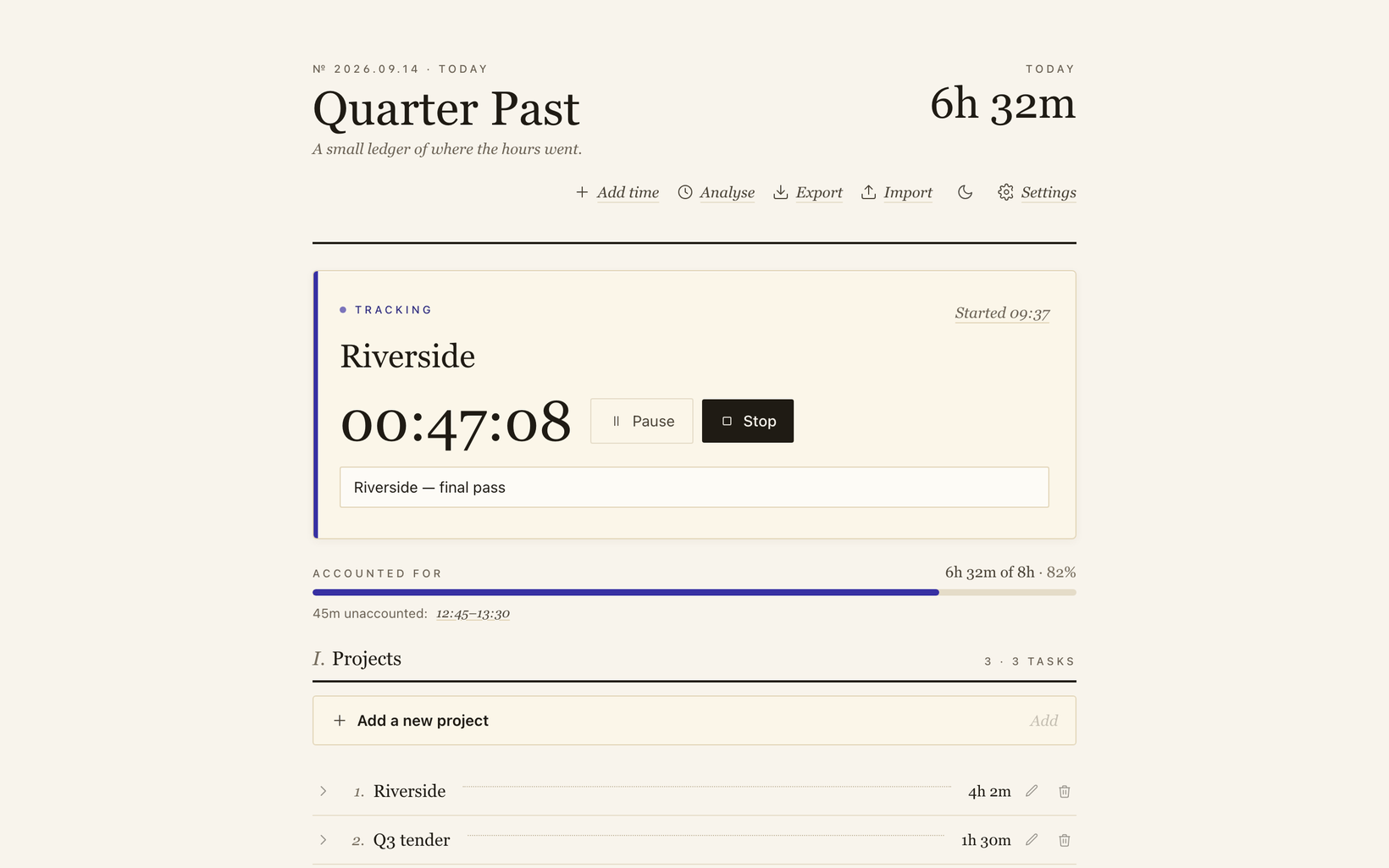
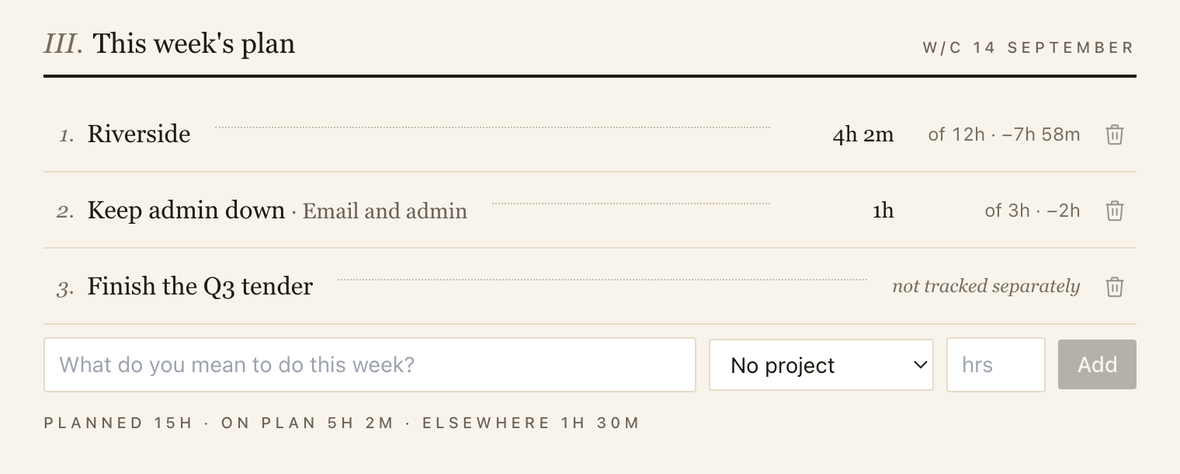
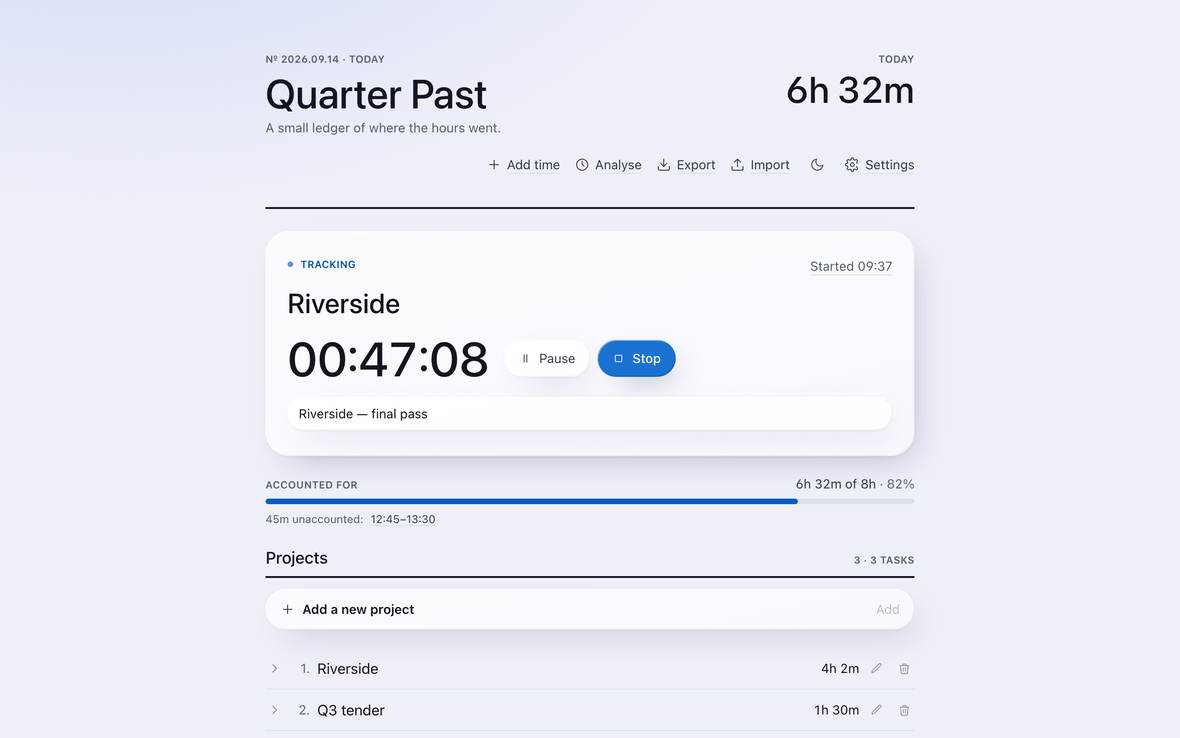
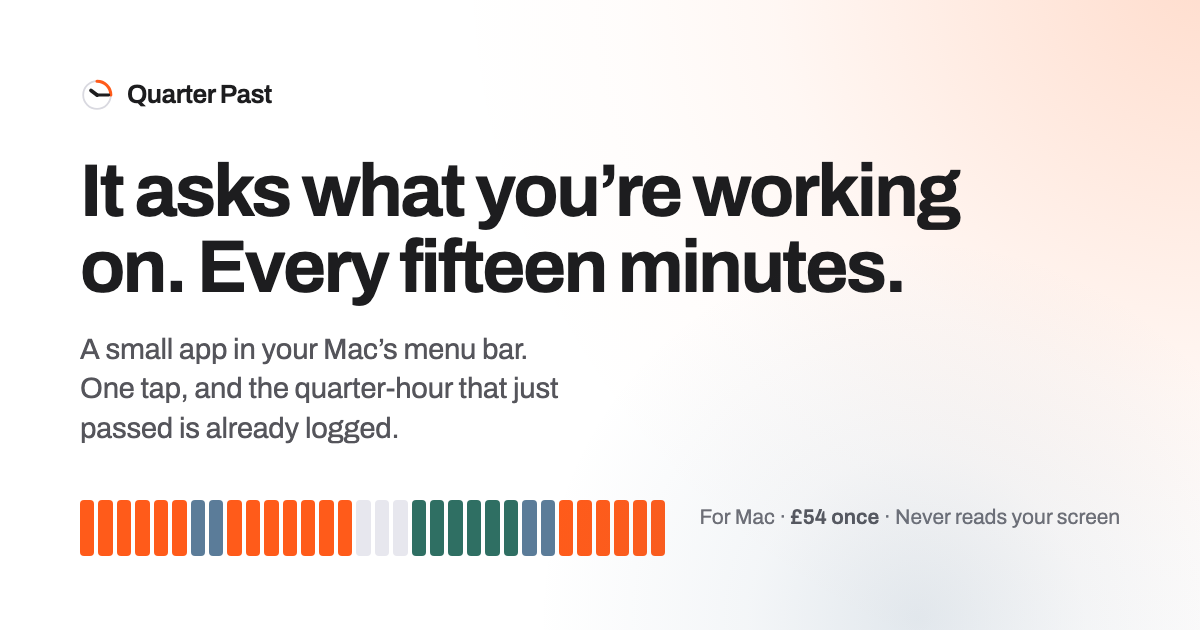
The icon is above at 512 pixels: download PNG. A sixty-second screen recording of a quarter-hour, start to finish, is available on request.
Why it exists, in the founder’s words
Time is the one thing none of us can get more of. It goes quickly, and that is exactly why it deserves managing.
When I had business coaching, my coach asked me to track my time: write down each thing I did in the office, on a sheet. Before every session I struggled to bring that sheet up to date, and I would arrive with a reconstruction instead of a record. That is where the idea came from: a time tracker that works for you, rather than one you work for.
The other thing that went wrong will be familiar to anyone who has tried. The first day or two go brilliantly. Then you forget once, and the moment you have fallen behind you want to give up. So Quarter Past asks. If you have not recorded anything, it asks what you have been doing, and one tap catches you up. It is built to make staying on track as easy as possible and falling behind almost impossible.
It was born out of that pain, in the hope of helping a lot of us with the most valuable thing we have, which is our time.
Lawrence Seaforth, founder. Quotable as written.
Comparisons that are fair to make
Manual timers are honest but leaky. Automatic trackers are complete but read your screen. Quarter Past is the third thing.
On price: over five years Tyme costs £249.95 and Timing £420 on their annual plans, against £54 once. Competitor prices checked 14 September 2026; please re-check before quoting them.
What it is not
Not an automatic tracker
It never reads the screen, documents or web addresses. That is the whole position, not a setting.
Not a team timesheet or an invoicing suite
One person, one Mac. It exports a CSV for whatever does the invoicing.
Not a subscription
One payment. Updates are free. The licence never expires and never locks anyone out of their own record.